
Table of Contents
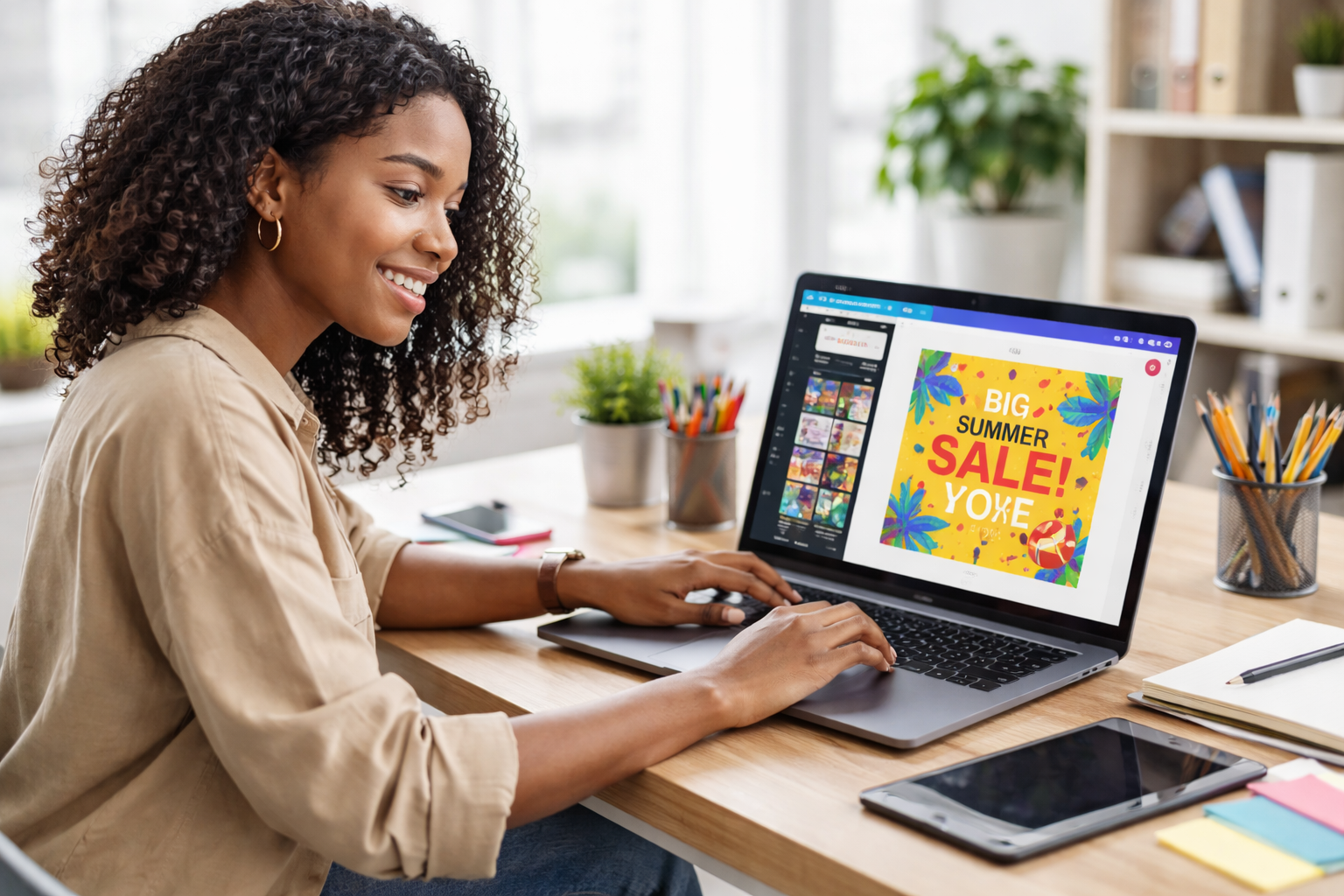
Short answer: The best graphic design tools for beginners in Nigeria include Canva, Figma, Adobe Express, GIMP, and VistaCreate. These tools are beginner-friendly, offer free versions, and allow new designers to create social media graphics, logos, flyers, and marketing visuals without advanced technical skills. Many beginners start with Canva because of its drag-and-drop interface and large template library.
Graphic design is one of the most valuable digital skills anyone can learn today. From social media posts and YouTube thumbnails to business flyers and brand logos, design plays a major role in how businesses communicate and grow online.
The good news is that you no longer need expensive software or years of training to get started. Today, many graphic design tools are built specifically for beginners. With simple interfaces, ready-made templates, and drag-and-drop editors, anyone can start creating professional designs within days.
For beginners in Nigeria, learning graphic design can open doors to freelancing, remote work, and digital side hustles. Many people start by designing simple graphics for small businesses, content creators, and online brands before expanding into more advanced design services.
In this guide, you will discover the best graphic design tools for beginners in Nigeria, including both free and paid options, what each tool is best for, and how to choose the right one if you are starting your design journey.
Read Also: How to Start Working From Your Phone in Nigeria (No Laptop Needed) 2026 Guide
Why Graphic Design Is One of the Most Valuable Digital Skills Today
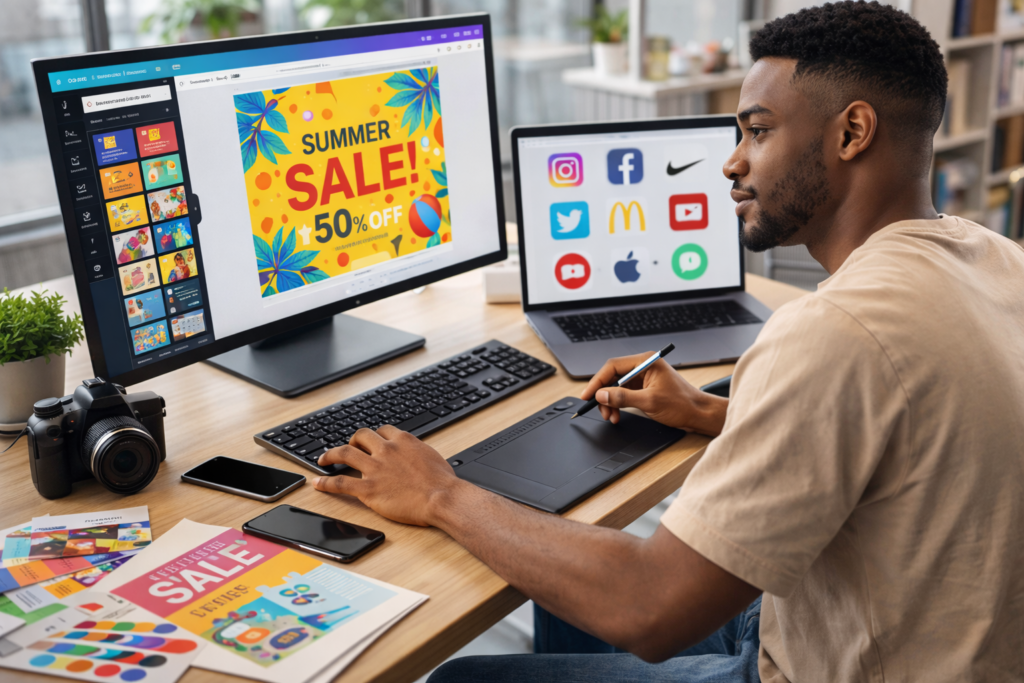
Graphic design is one of the most practical digital skills anyone can learn today. Businesses, creators, and startups rely on visual content to communicate ideas, market products, and build brand identity.
From social media posts to business flyers and website graphics, design skills are used in almost every industry.
For beginners in Nigeria, learning graphic design can open opportunities such as:
- Freelancing online
- Running a design side hustle
- Working remotely with global clients
- Building branding services for local businesses
The good news is that modern graphic design tools have become much easier to use. Many platforms now offer templates, drag-and-drop editors, and AI assistance, allowing beginners to create professional designs quickly.
See Also: Best Remote Jobs in Nigeria You Can Do at Home in 2026: Skills, Pay, and Entry Paths
Best Graphic Design Tools for Beginners in Nigeria
Below are some of the best tools beginners can start with, including free options and paid professional software.
1. Canva (Best Overall Tool for Beginners)
Canva is widely considered the easiest graphic design tool for beginners.
The platform allows users to create designs using a drag-and-drop interface, meaning you do not need advanced design skills to get started.
What you can design
- Social media graphics
- Flyers and posters
- Business cards
- Presentations
- Logos
Why beginners love Canva
- Thousands of templates
- Free version available
- Works on phone, tablet, and desktop
- Huge library of fonts and icons
Many designers start their journey with Canva before moving to more advanced tools.
2. Figma (Best for UI and Web Design)
Figma is one of the most popular tools for UI/UX and web design.
It is cloud-based and allows multiple people to collaborate on the same design project in real time.
Best for
- App interface design
- Website layouts
- Product design
- Team collaboration
Key advantages
- Works directly in the browser
- Free starter plan
- Excellent for collaboration
- Supports plugins
Figma is a good tool if you want to move into product design or tech design roles.
3. Adobe Express (Best for Social Media Content)
Adobe Express is a simplified design tool from Adobe that helps beginners create quick graphics.
It focuses on templates and fast editing, making it ideal for beginners who want to create content quickly.
Best for
- Instagram posts
- Marketing graphics
- Video thumbnails
- Promotional banners
Why it’s beginner friendly
- Template-driven workflow
- Simple editing tools
- Cloud storage
- Integration with the Adobe ecosystem
4. GIMP (Best Free Alternative to Photoshop)
GIMP is a free, open-source graphic design tool used for advanced photo editing and digital artwork.
It offers powerful editing features similar to professional tools but without the subscription cost.
Best for
- Photo editing
- Image manipulation
- Digital illustration
- Graphic composition
Pros
- Completely free
- Powerful editing tools
- Supports plugins
The learning curve is slightly higher than Canva, but it is a powerful tool for beginners who want to grow into professional designers.
5. Photopea (Best Photoshop-Style Tool in the Browser)
Photopea is a browser-based design tool that works similarly to Photoshop.
Unlike many tools that focus on templates, Photopea offers full editing features such as layers, filters, and advanced image editing.
Key advantages
- Works directly in the browser
- Supports Photoshop files (PSD)
- Free to use
- No installation required
This tool is excellent for beginners who want to learn professional editing workflows.
6. VistaCreate (Best Canva Alternative)
VistaCreate is another popular design tool known for its large template library and animation features.
It is commonly used for social media graphics and marketing visuals.
Best for
- Social media posts
- Marketing banners
- Animated graphics
- Content creators
Advantages
- Thousands of templates
- Built-in animations
- Beginner-friendly editor
Free vs Paid Graphic Design Tools: Which Should You Use?
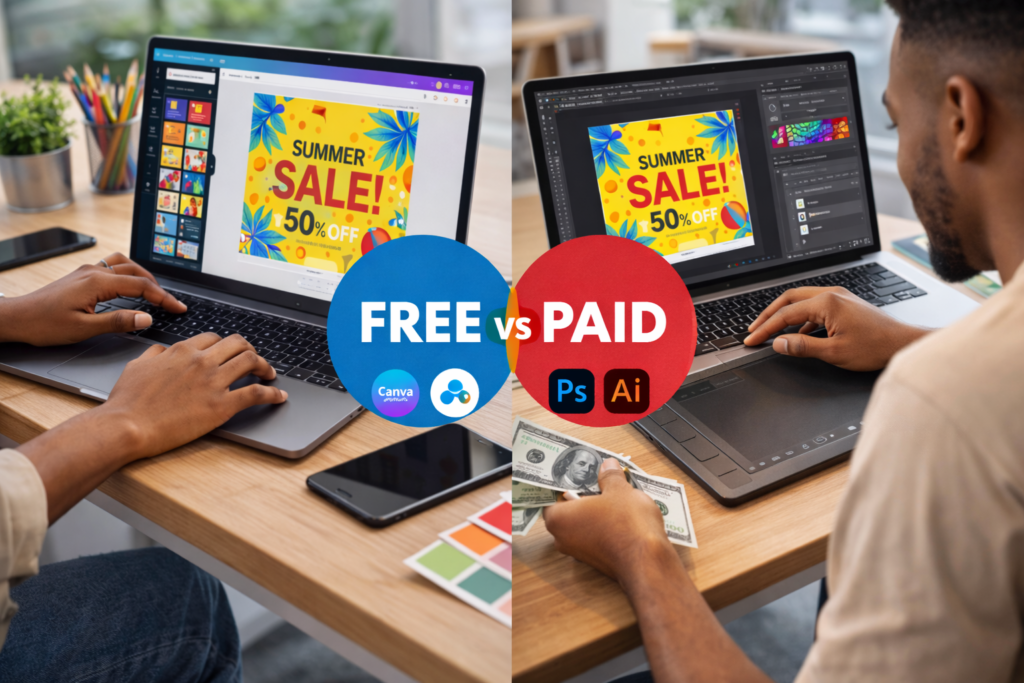
Many beginners wonder whether they should start with free tools or invest in paid software.
Here is a simple rule:
Start with free tools if you are:
- Learning design fundamentals
- Practicing layout and typography
- Creating personal projects
Consider paid tools if you are:
- Working with clients
- Running a design business
- Creating advanced brand designs
Free tools today are powerful enough to help beginners build portfolios and start earning online.
What Beginners Should Look for in a Graphic Design Tool
When choosing a design tool, beginners should consider the following factors:
Ease of use
Tools with simple interfaces and templates make learning faster.
Templates and assets
Built-in templates help beginners understand layout and design structure.
Device compatibility
Many Nigerian beginners start with phones or basic laptops, so cloud-based tools work better.
Cost
Free versions are usually enough when starting.
How Beginners in Nigeria Can Start Learning Graphic Design
Starting graphic design does not require expensive equipment or formal education.
You can begin by:
- Choosing one tool (such as Canva or Figma)
- Practicing daily by redesigning social media posts
- Creating 5 to 10 sample designs
- Uploading your work to a portfolio or social media page
Many designers get their first freelance clients by showcasing simple designs online.
How Nigerians Can Start Making Money With Graphic Design
Beginners can start earning by:
• Designing social media posts for businesses
• Creating flyers and posters
• Selling Canva templates online
• Offering logo design services
• Working as a freelance designer
Platforms include:
• Upwork
• Fiverr
Our Subscribers Enjoyed Reading: Best Multicurrency Accounts in Nigeria: Top 5 Picks for Freelancers
Conclusion
Graphic design is one of the most accessible digital skills beginners can learn today. With tools like Canva, Figma, Adobe Express, GIMP, and Photopea, anyone in Nigeria can start creating professional graphics without expensive software.
The key is to pick one tool, practice consistently, and build a small portfolio of designs.
For more guides on digital skills, tools, and online opportunities, subscribe to WikDaily to keep learning and growing in the digital economy.
Frequently Asked Questions (FAQs)
What is the easiest graphic design tool for beginners?
Canva is widely considered the easiest tool because it offers drag-and-drop editing and thousands of templates.
Can I learn graphic design without paying for software?
Yes. Tools like Canva, GIMP, Photopea, and Figma offer free plans that are powerful enough for beginners.
Which graphic design tools are best for freelancing?
Popular freelancing tools include Canva, Adobe Express, Photoshop, and Figma because they support professional workflows.
Can I learn graphic design using only my phone?
Yes. Many design platforms, such as Canva and Adobe Express, offer mobile apps that let beginners create graphics directly on their phones
